与 LiteLLM 集成
LiteLLM 可接入 GPUStack,将本地部署的 LLM、向量嵌入、重排序、语音转文本和文本转语音能力汇聚到统一的 OpenAI 兼容/Anthropic API 网关,供企业员工使用。
在 GPUStack 中部署模型
- 在 GPUStack 界面中打开
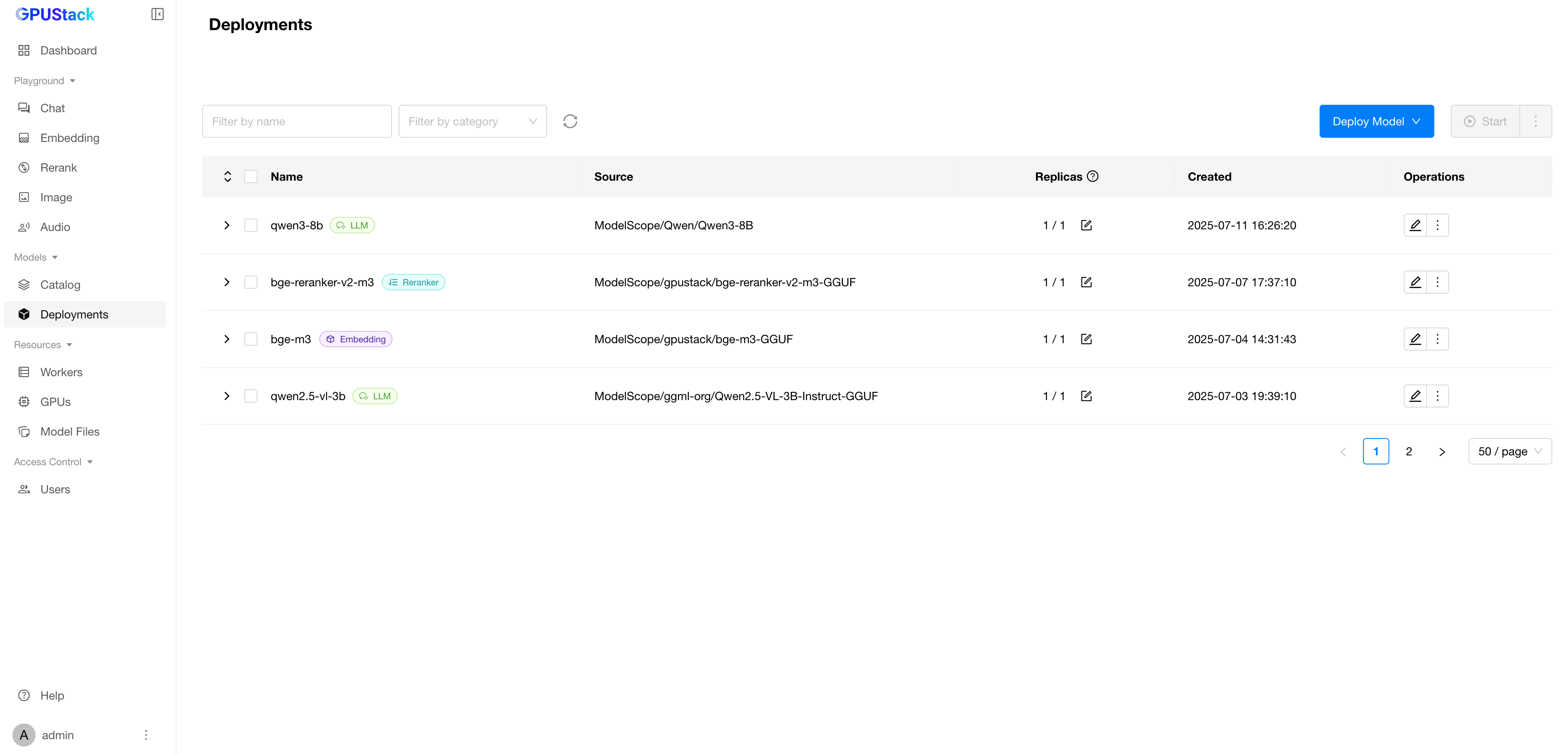
Deployments页面,点击Deploy Model部署所需模型,例如:
- qwen3-8b
- qwen2.5-vl-3b-instruct
- bge-m3
- bge-reranker-v2-m3
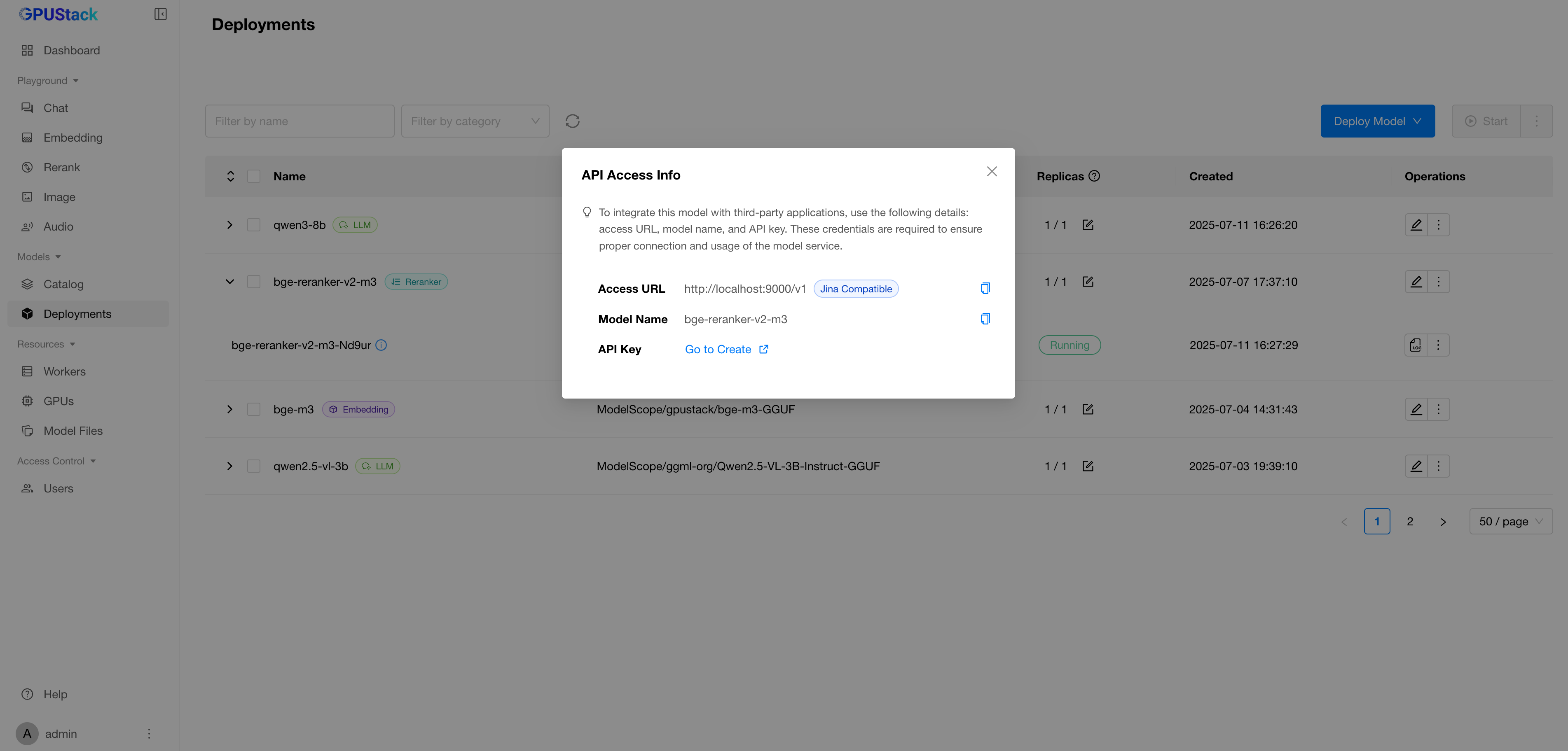
- 在模型的操作菜单中打开
API Access Info,查看接入信息。
在 GPUStack 中创建 API 密钥
- 在 GPUStack 中打开
Access Control>API Keys页面,点击New API Key。 - 填写名称,点击
Save。 - 复制 API 密钥并保存,供后续使用。
在 LiteLLM 中接入 GPUStack
- 打开 LiteLLM 管理界面:
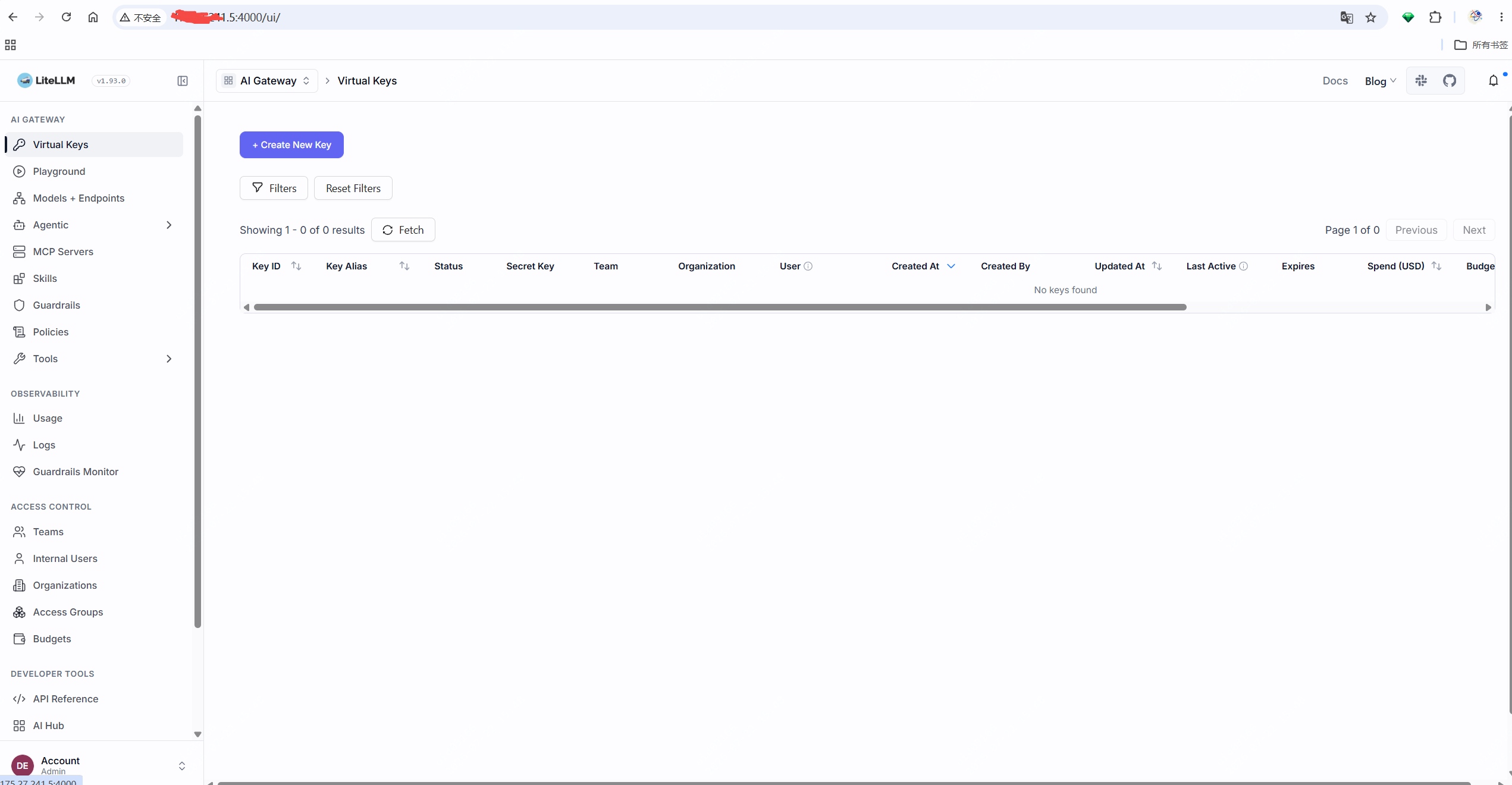
- 打开 models+endpoints 菜单,选择 add model 添加模型。
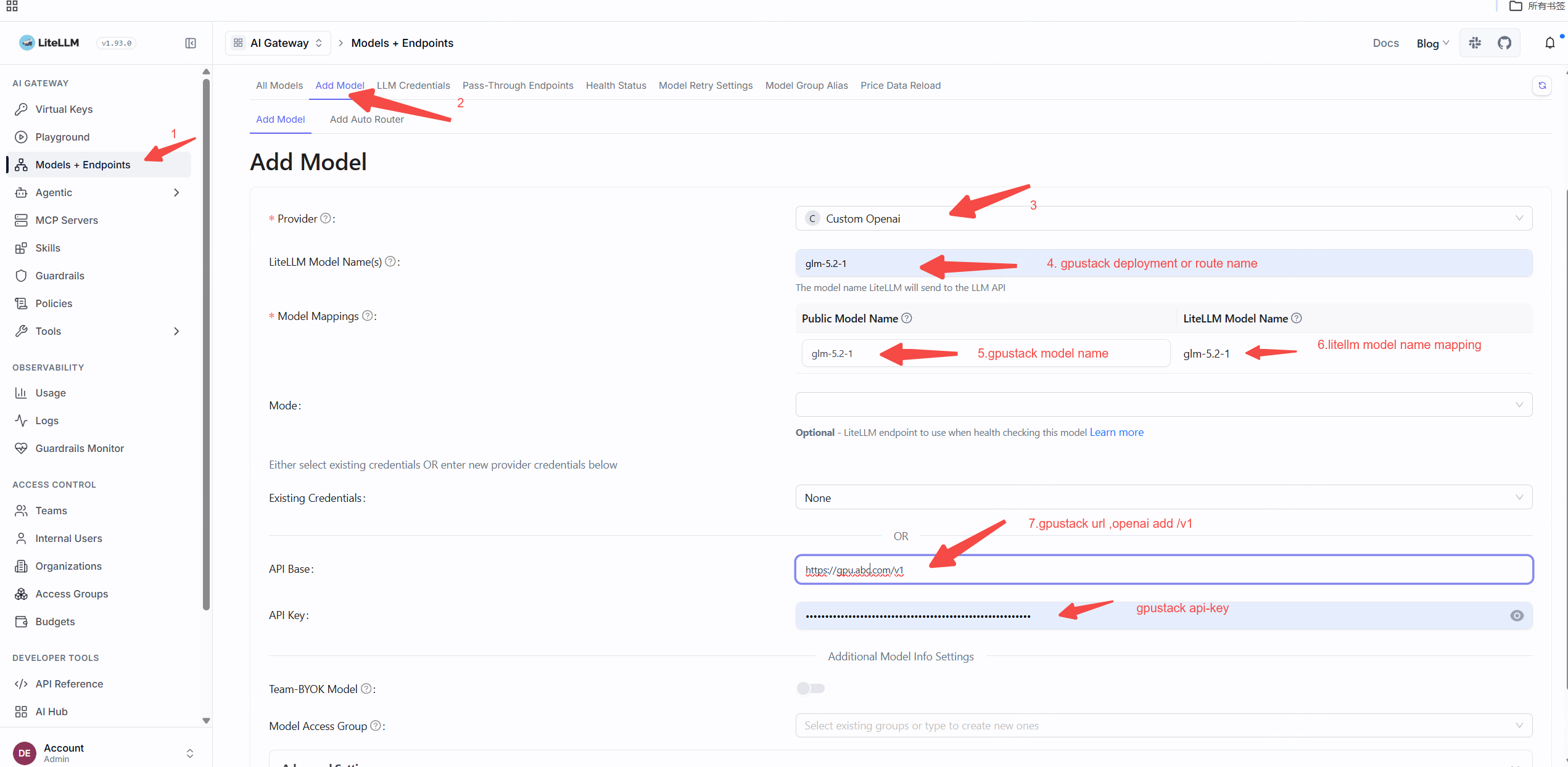

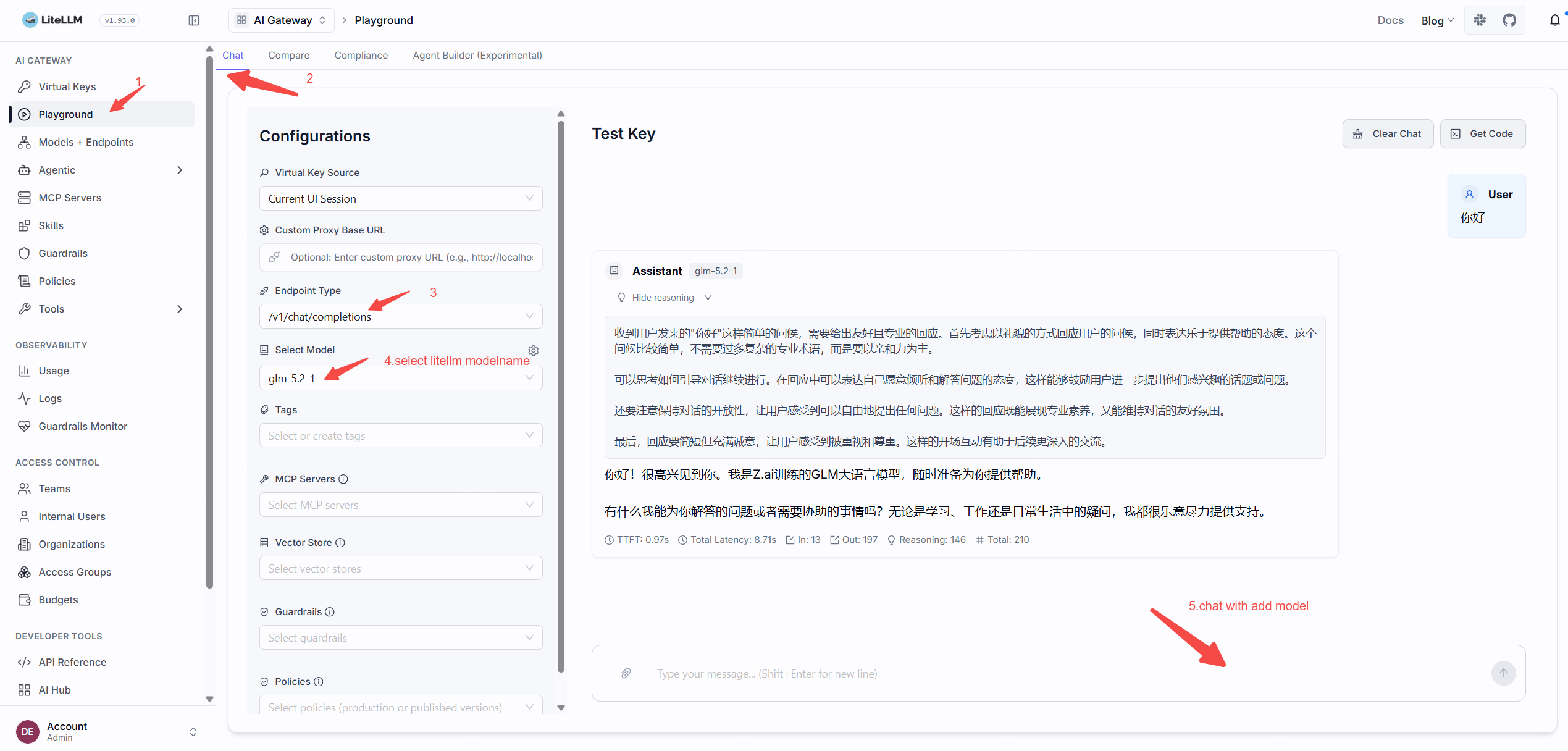
- 在 LiteLLM 的 Playground 中测试。