GPU Service Storage
Based on GPU Service Storage Types, GPU Service Storage lets you allocate persistent storage and mount it across multiple GPU Service Instances.
This is useful for data, models, and other files that need to be shared between instances.
GPUStack manages multiple Kubernetes clusters and provides a unified interface for sharing GPU Service Storage across them.
Under the hood, each storage item is realized as a Kubernetes PersistentVolumeClaim on the target cluster.
Browse Storage
Navigate to the GPU Service > Storage page to browse all storage and its details.
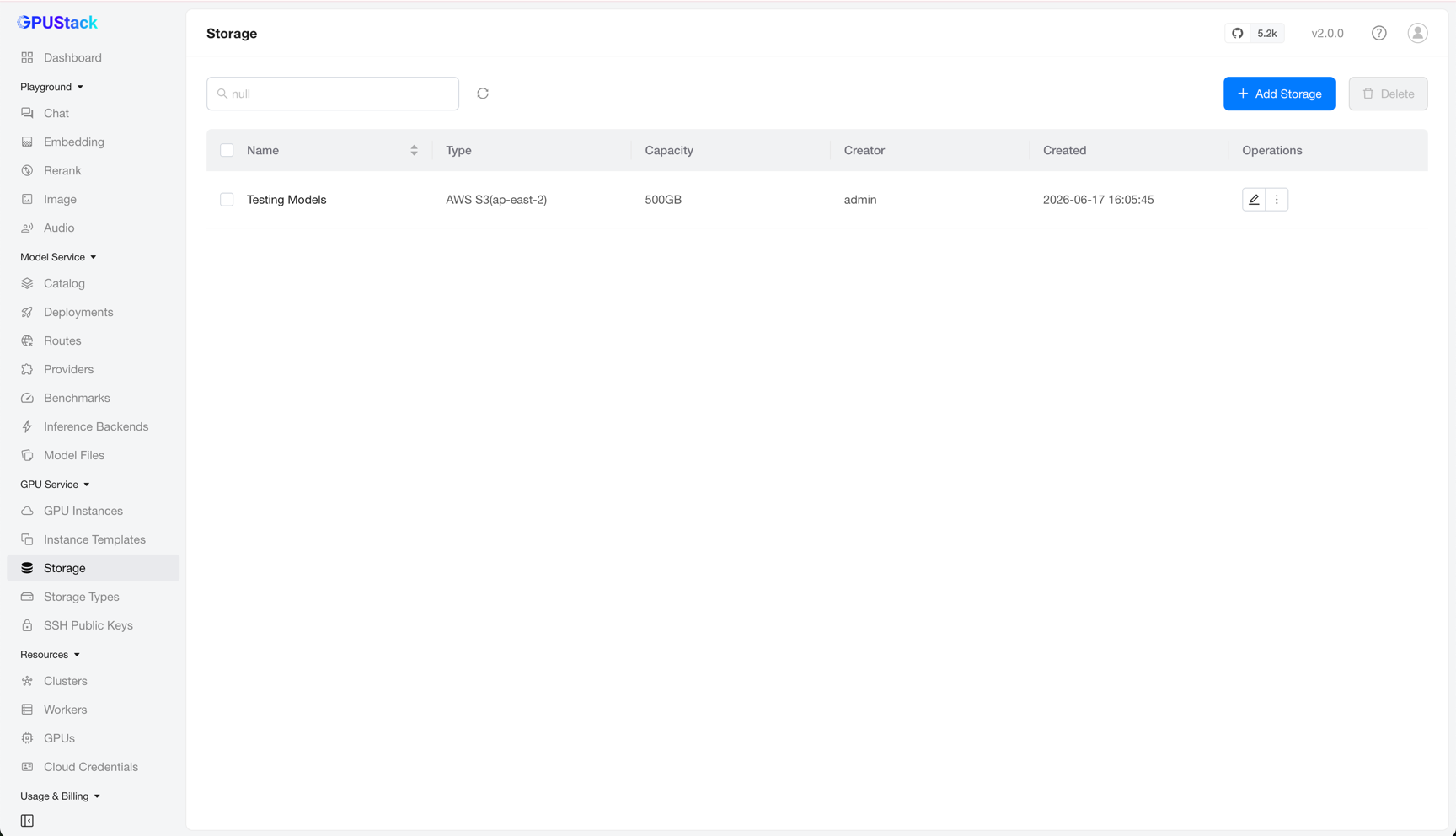
You can filter storage by name.
Adding Storage
On the Storage page, click Add Storage to open the creation form.
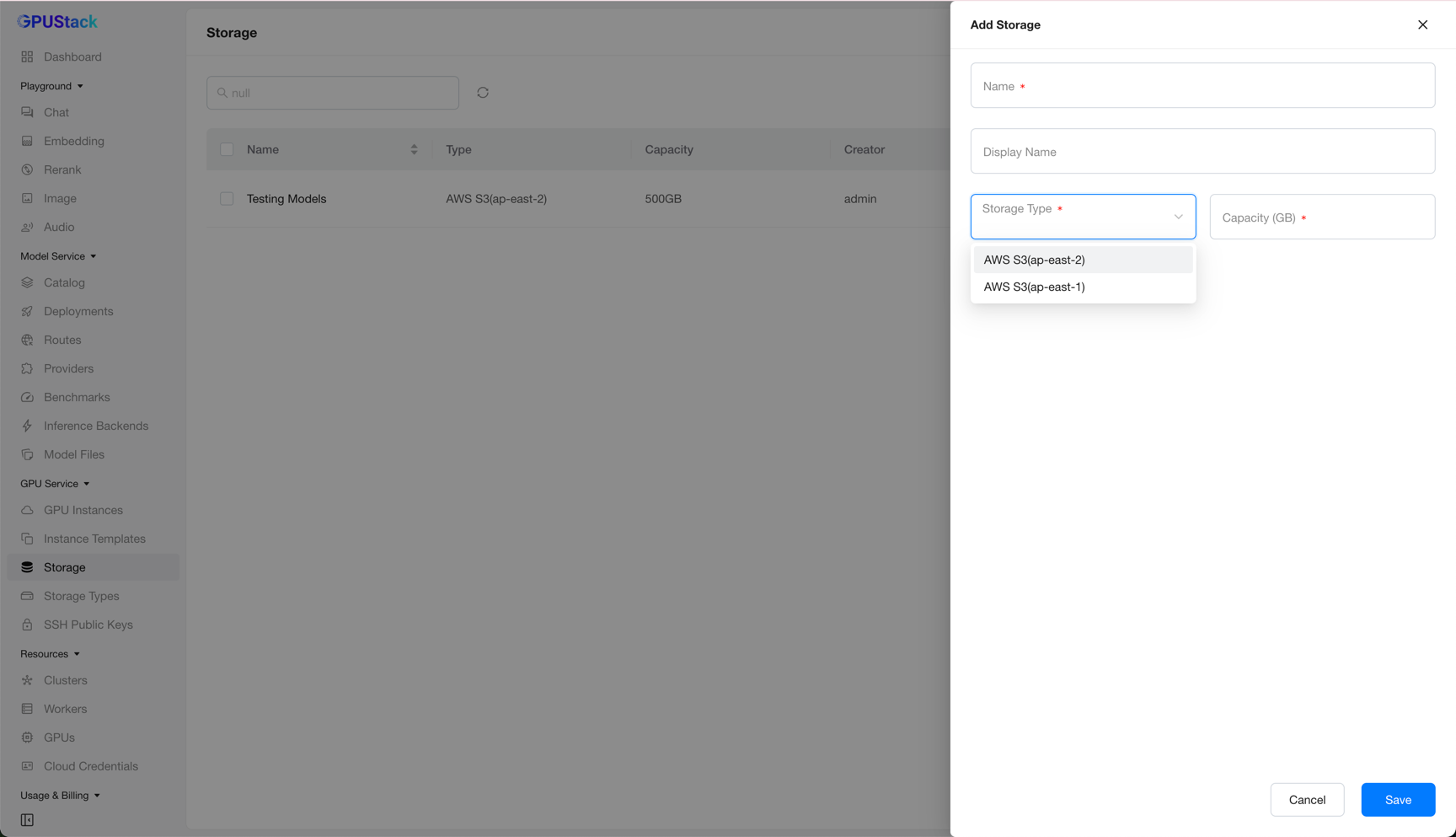
Fill in a Name, select a Storage Type (defined on the GPU Service Storage Types page), and set the Capacity (GB). Then click Save.
Editing Storage
After creation, only the display name can be changed.
Note
Editing more of the storage configuration is planned for a future release.
Deleting Storage
Click Delete on a storage item and confirm. The storage is then removed from the list.
Warning
If the storage is still attached to a GPU Service Instance, its cluster-side PersistentVolumeClaim is not removed right away. Because deletion follows a deferred policy, the PersistentVolumeClaim is retained until the associated instance is deleted, and only then is it cleaned up.