Integrate with LiteLLM
LiteLLM can integrate with GPUStack to aggregate locally deployed LLMs, embeddings, reranking, Speech-to-Text, and Text-to-Speech capabilities into a unified OpenAI-compatible/Anthropic API gateway for enterprise employees.
Deploying Models in GPUStack
- In GPUStack UI, navigate to the
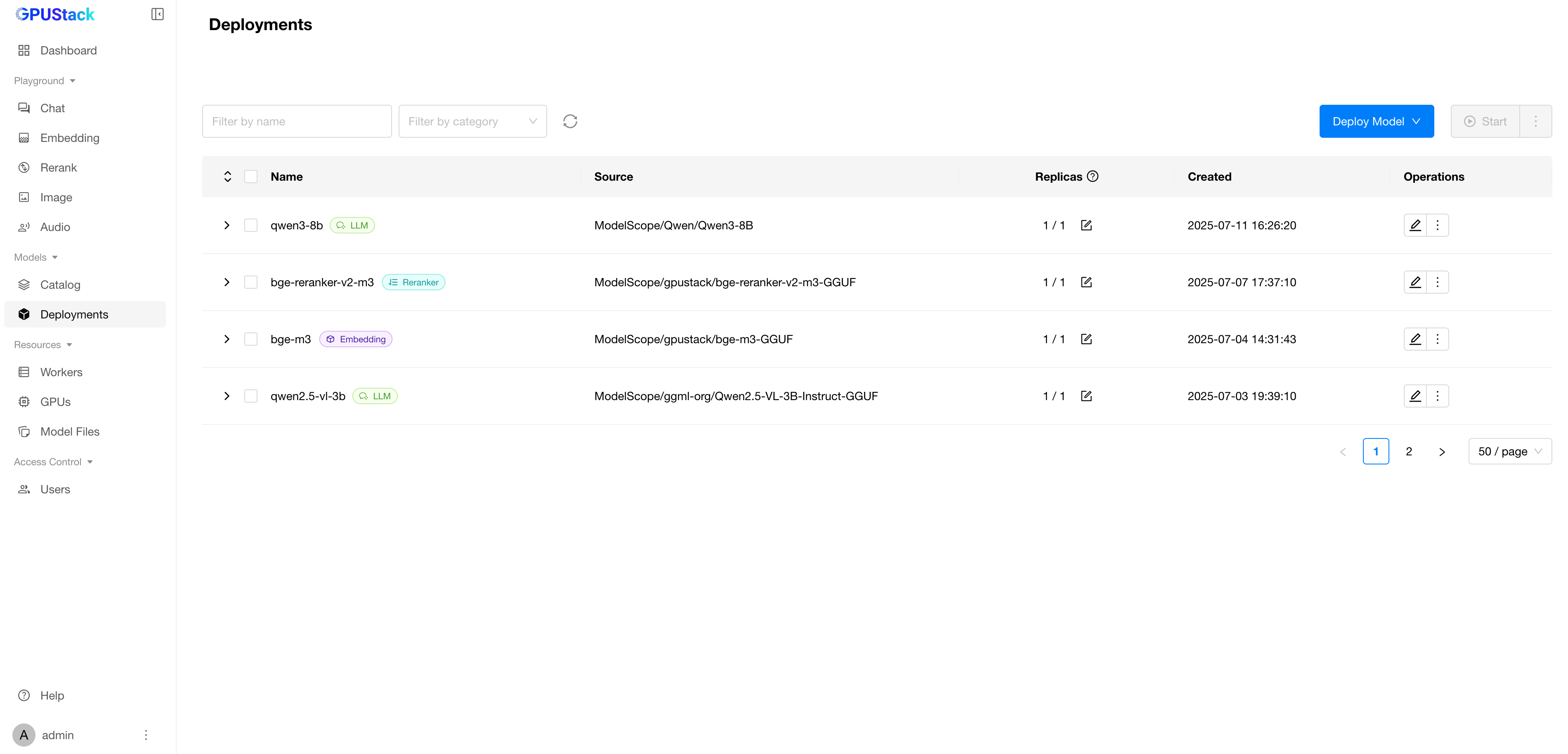
Deploymentspage and click onDeploy Modelto deploy the models you need. Here are some example models:
- qwen3-8b
- qwen2.5-vl-3b-instruct
- bge-m3
- bge-reranker-v2-m3
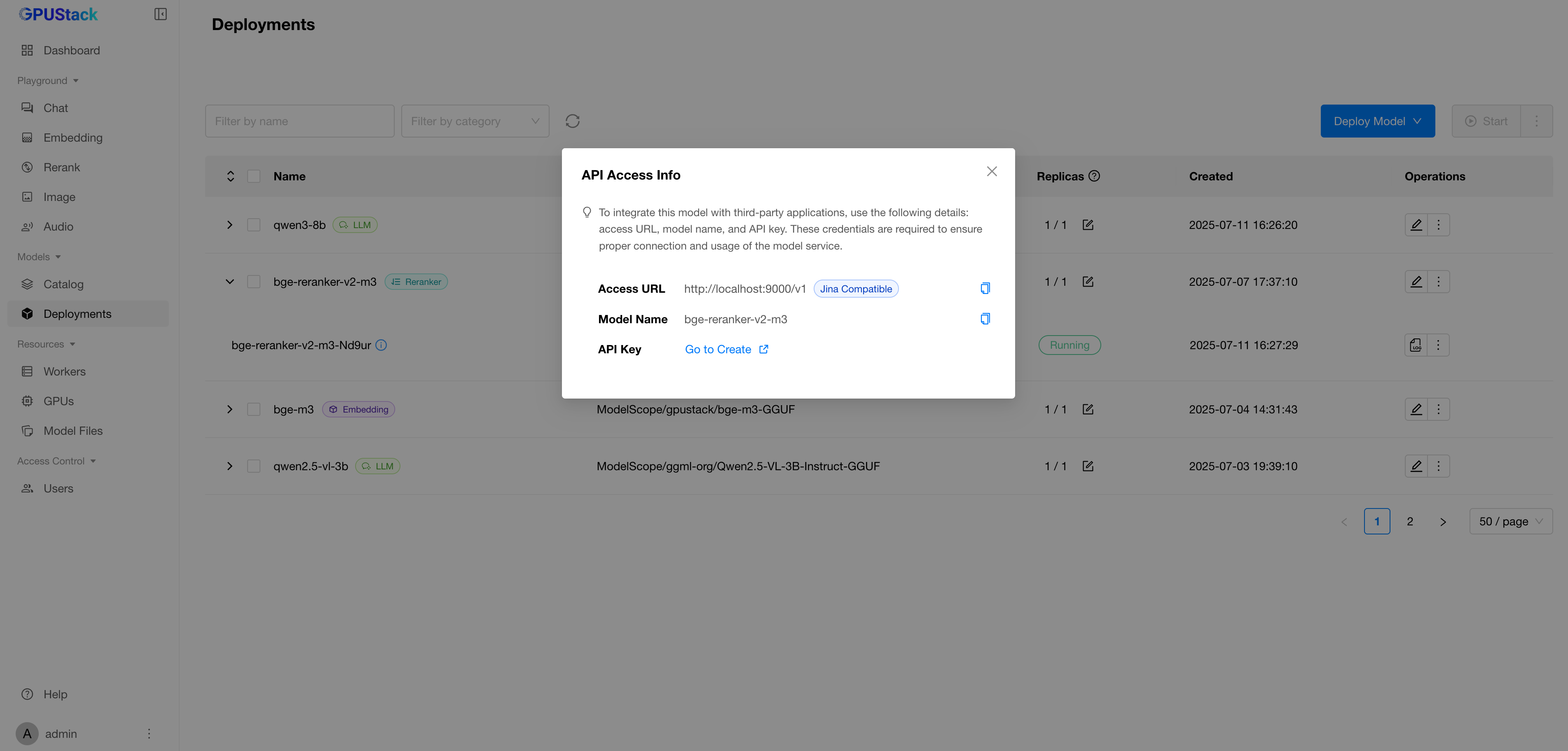
- In the model’s Operations, open
API Access Infoto see how to integrate with this model.
Create an API Key in GPUStack
-
Navigate to the
Access Control>API Keyspage in GPUStack, then click onNew API Key. -
Fill in the name, then click
Save. -
Copy the API key and save it for later use.
Integrating GPUStack into LiteLLM
- Open LiteLLM manage ui
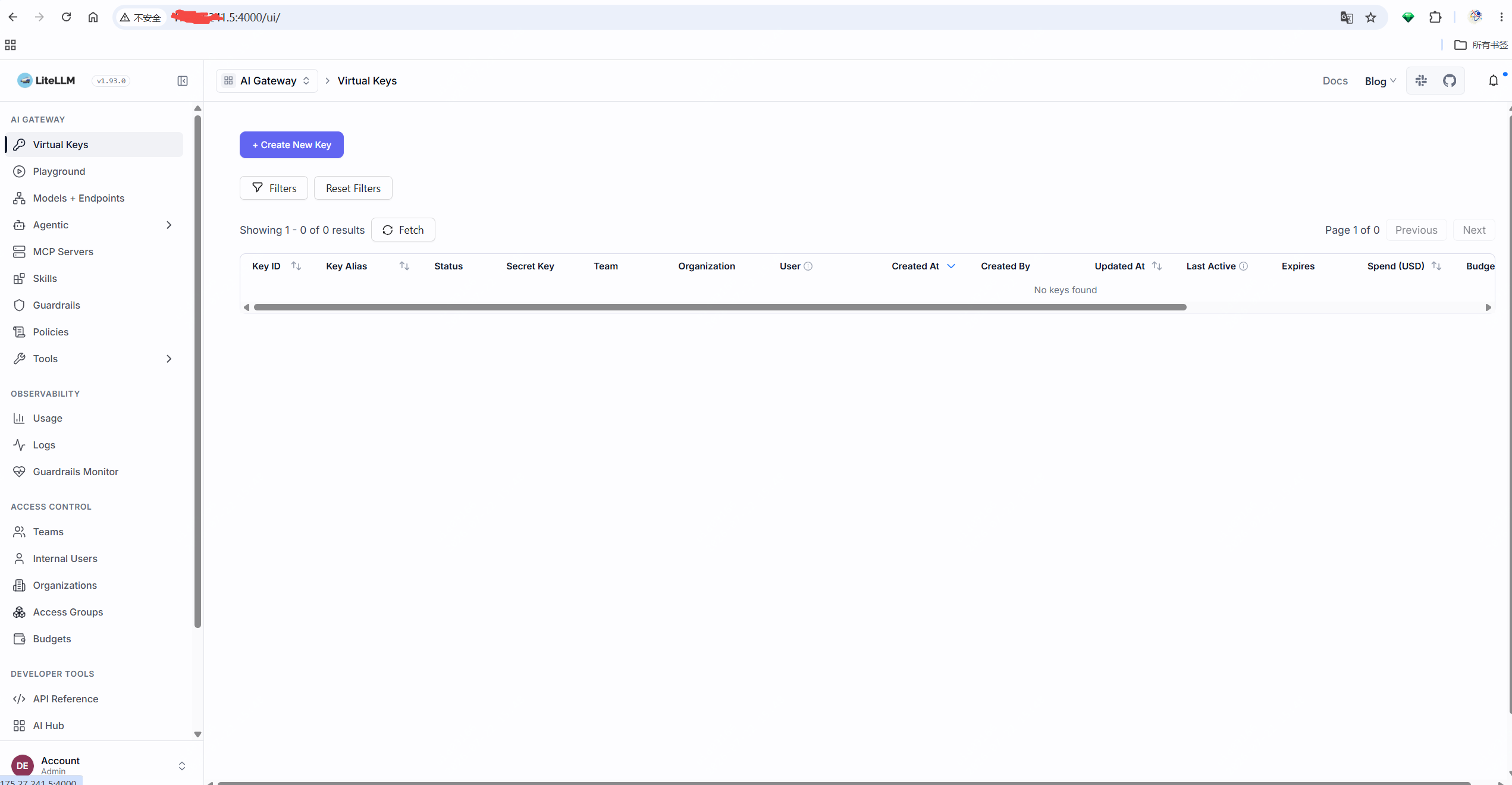
- open models+endpoints menu -> add model
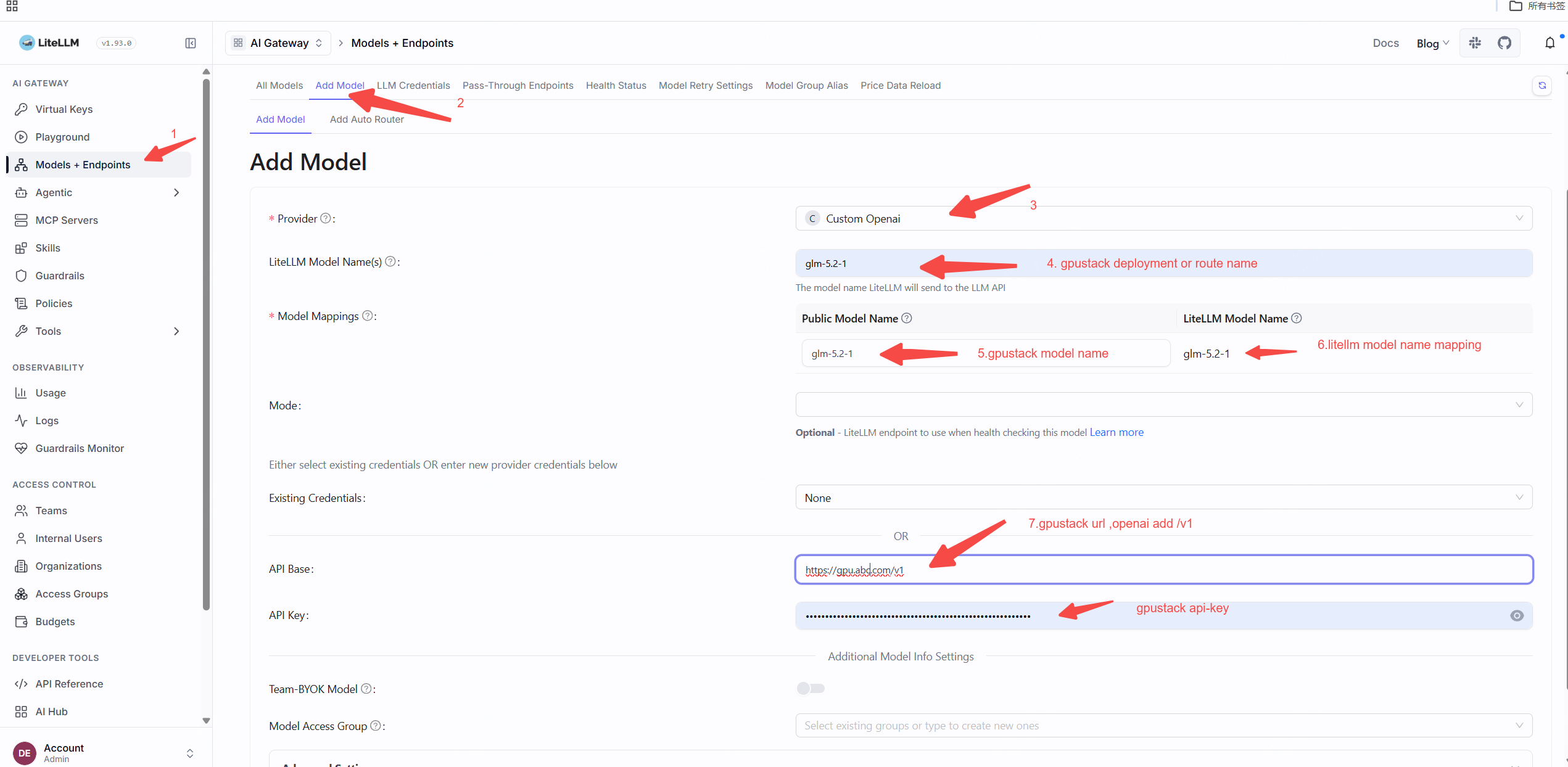

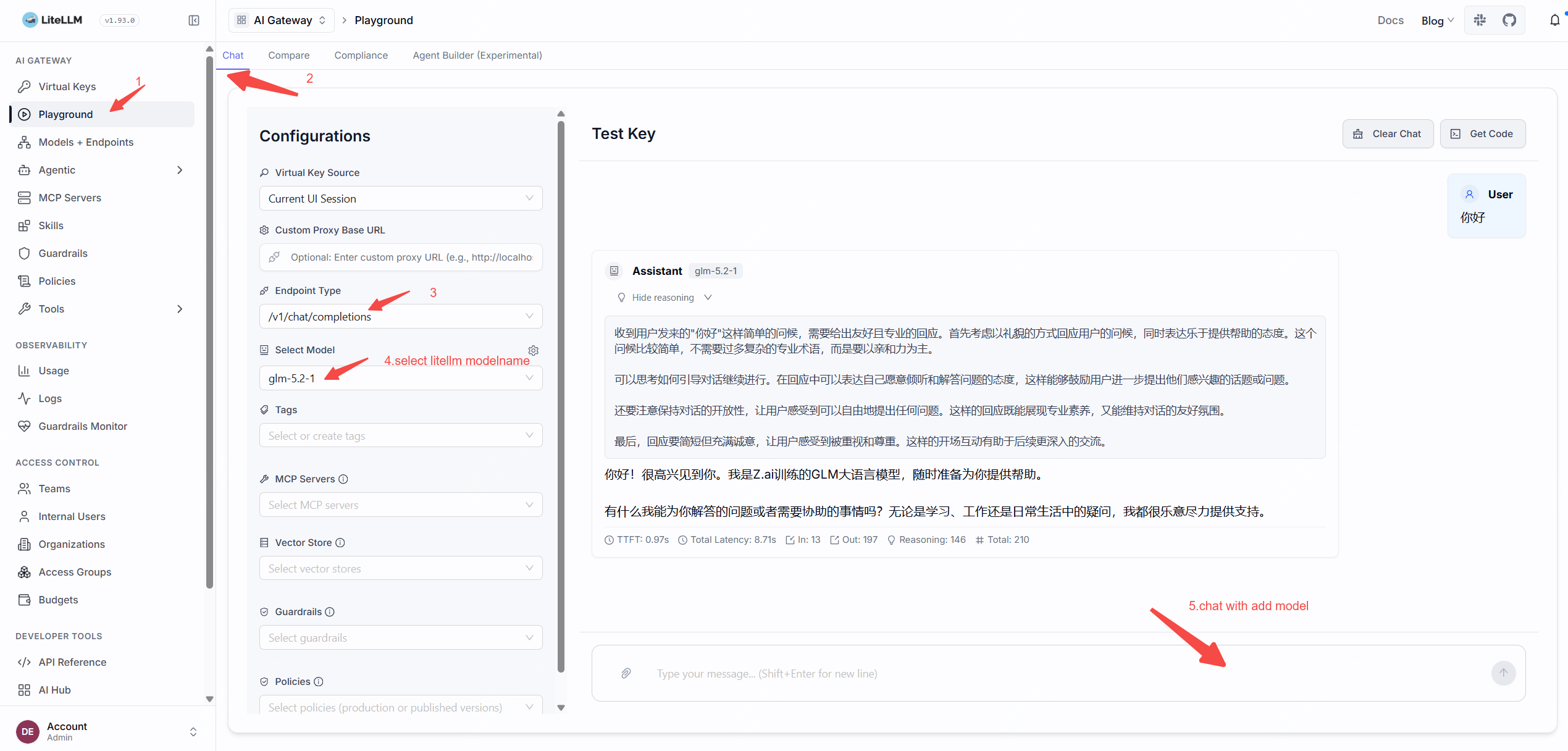
- test in litellm ->playgroud